Workshop: Introduction to Blender 3D
The Time Zone is CEST – Central European Summer Time. If you can't assist to the Saturday session it is possible to add a Sunday session from 4 p.m to 8 p.m.
- Wednesday 14 of July, 5 to 8 p.m.
- Thursday 15 of July, 5 to 8 p.m.
- Friday 16 of July, 5 to 8 p.m.
- Saturday 17 of July, 10 a.m to 4 p.m.
About Blender:
Blender is the free and open source 3D creation suite. It supports the entirety of the 3D pipeline: modeling, rigging, animation, simulation, rendering, compositing and motion tracking, video editing and 2D animation pipeline.
About the workshop:
In this workshop you will learn the basics of Blender. You will be able to navigate fluently within the software, and understand the building blocks for creating a 3D project. We will focus on all the general tools that Blender has to create models, textures and materials.
About the tutor:
Carolina Romano is a 3D artist with experience in facial animation and as 3D generalist for various projects. Currently making a video game called NAMAVE.
Prerequisites:
- This workshop is for beginners, so you don’t need to have any previous knowledge of Blender. The goal is to get from it a strong foundation on the understanding of the software in order to be able to experiment with it later on your own.
- I strongly advise that you have a second screen, a three button mouse and a keybord with numpad.
The reason to have a second screen is because you will need to follow the class on Zoom while working on your own screen.
You could also have a separate laptop or tablet where you can see what I'm doing while working on your personal computer.
Please download and install the last version of Blender before the workshop:
https://www.blender.org/download/ - Since this workshop is online, we will use Zoom (https://zoom.us/). You can install it and create a free account in advance. I will send you the link to the meeting room some days before the beginning of the workshop.
Enrollment and payment:
- You can enroll to the workshop by email contacting the tutor at: romanocaro@gmail.com
- The payment will be trough bank transfer or as arranged with the tutor.
- Slots will be limited in order to maintain personalized attention.
- The cost of the full workshop (14 hours) is 180€.
Schedule:
Day 1 (Wednesday 14 of July, 5 to 8 p.m. )
- Presentation of the workshop and participants. Checking everybody is ready to work.
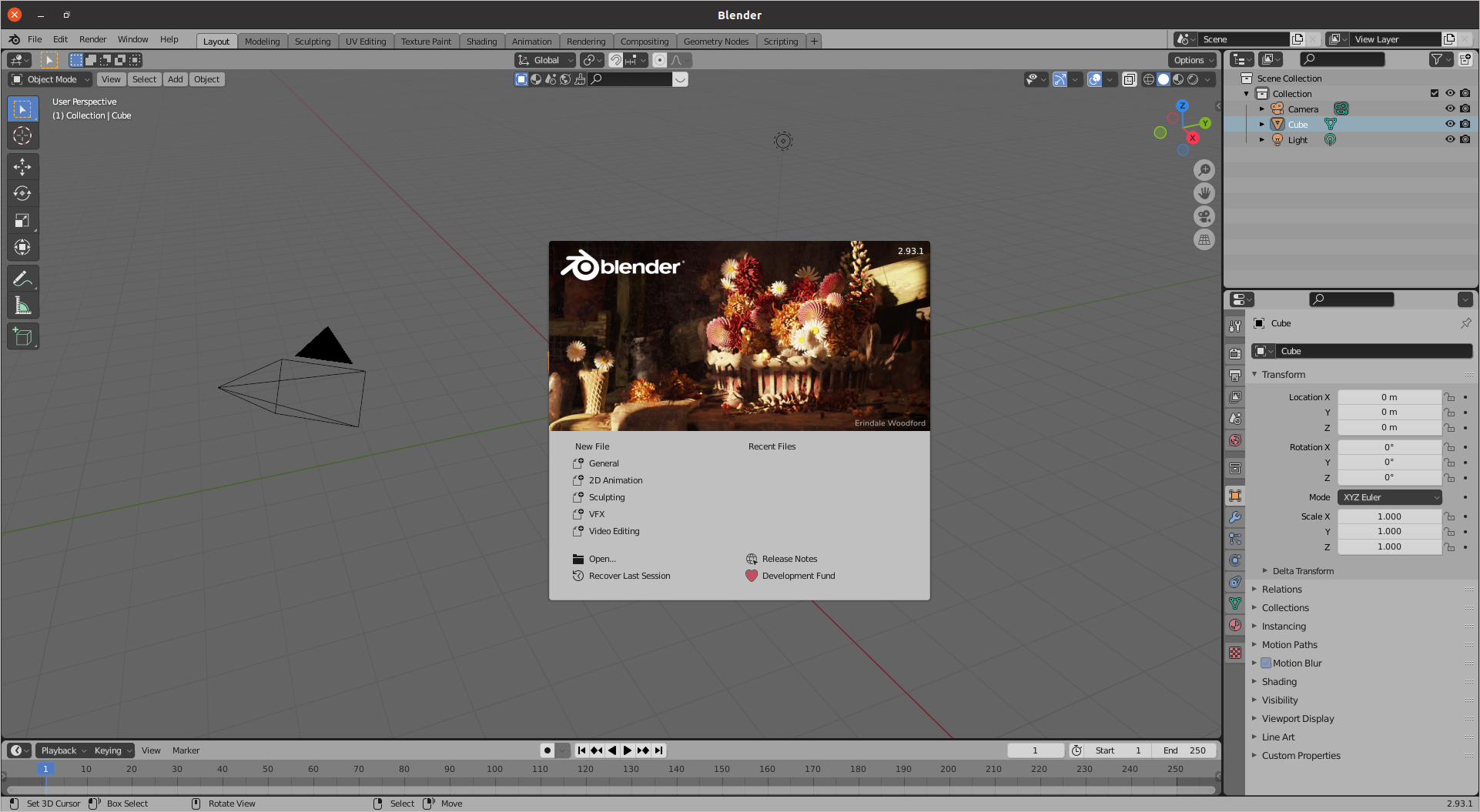
- Blender’s interface: viewport, navigation, workspaces, outliner, properties, shelfs (Tool/Side, etc).
- Principles of modeling (part A): Object vs Edit Mode, Mesh Object vs Mesh Data, Transformations, Pivot Points, Tools, Selections, Spin tool, Loops, Rip.
Day 2 (Thursday 15 of July, 5 to 8 p.m. )
- Quick review of Day 1
- Basics of Materials: Creation, assignment, linking. Multiple materials in the same object. Principled BSDF.
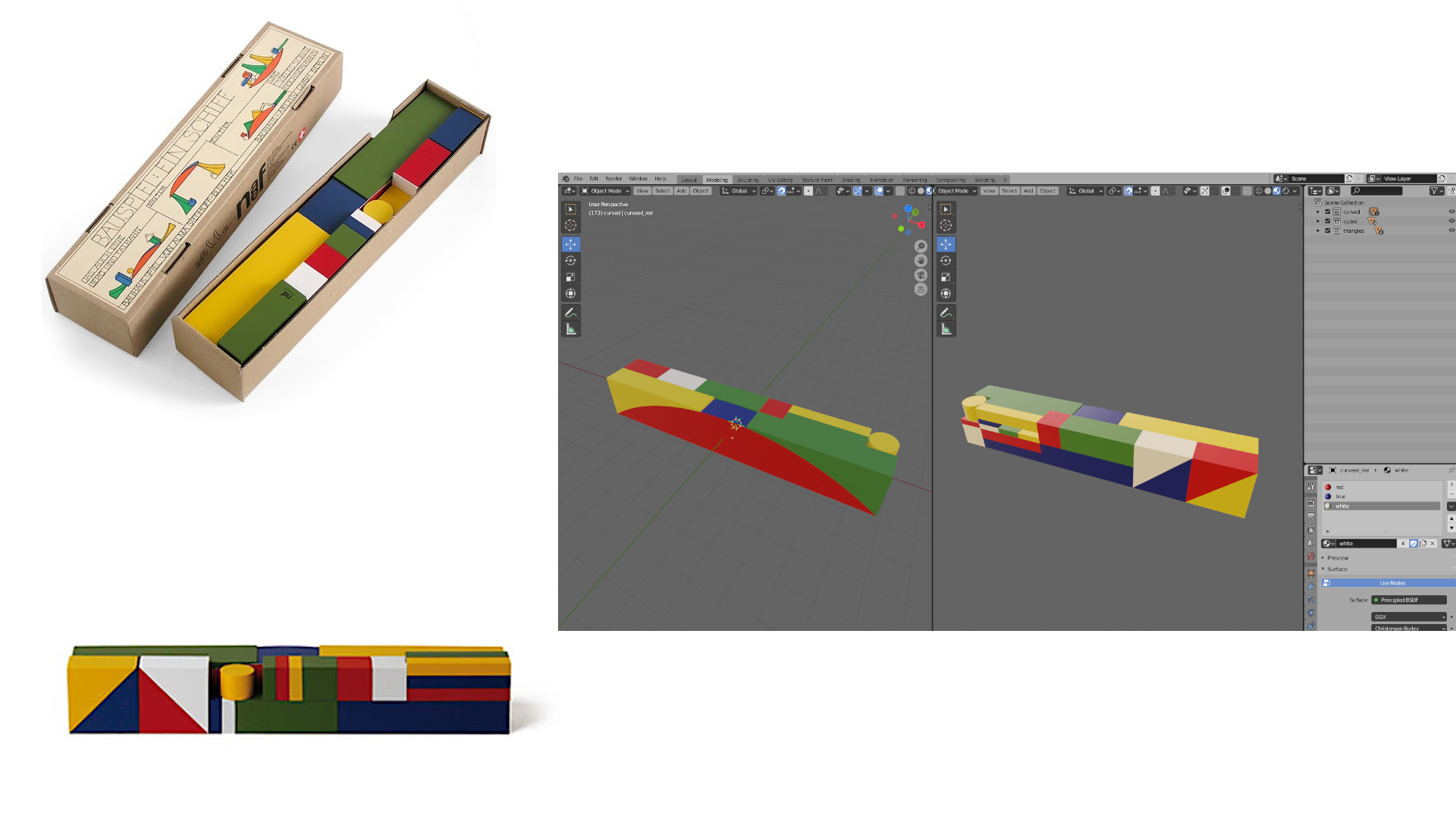
- Explanation of the first exercise part A: We are going to replicate the Schiffbauspiel, a legendary toy designed by Bauhaus apprentice Alma Siedhoff-Buscher in 1923, using the tools learned previously.
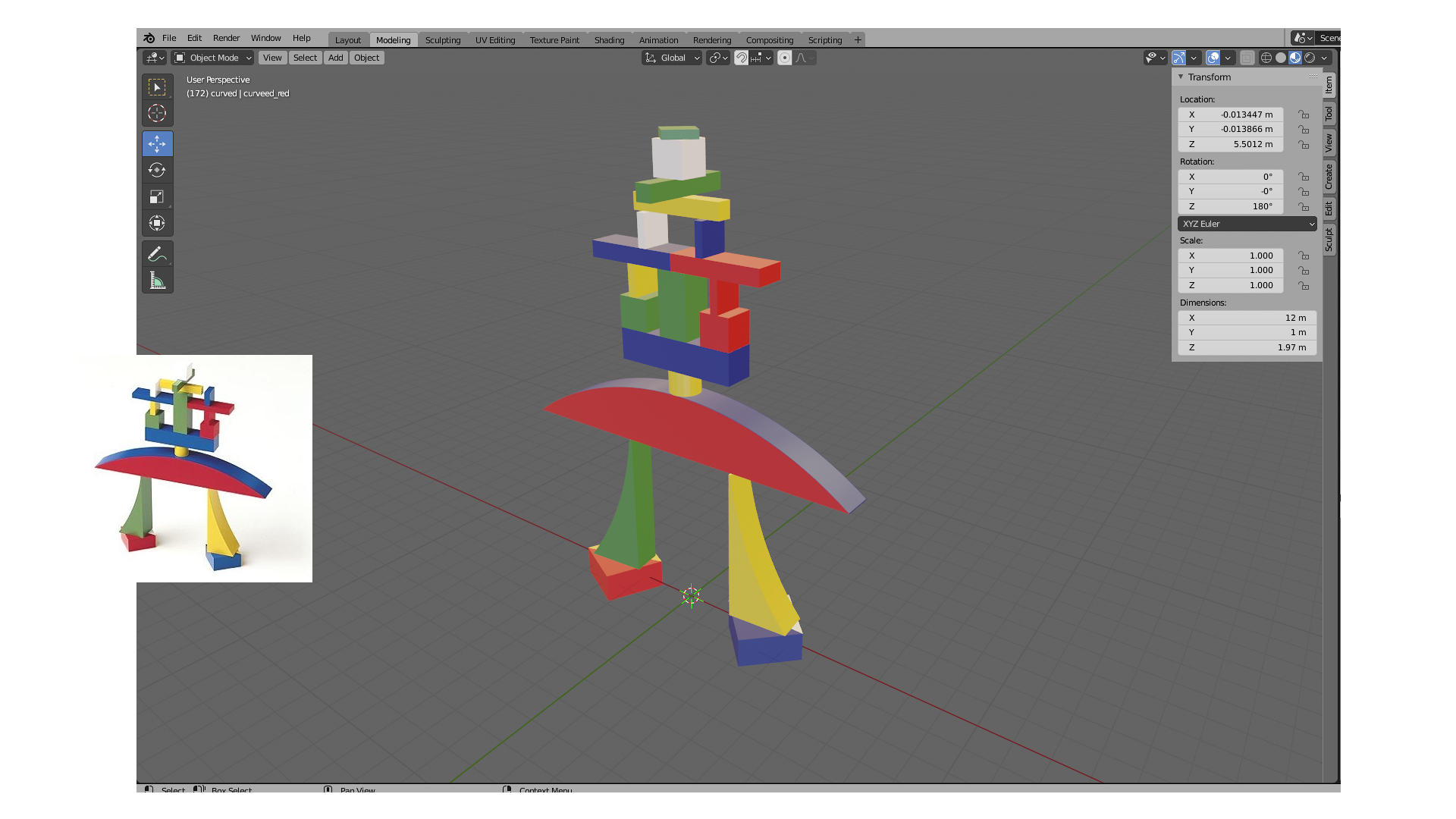
- Explanation of the first exercise part B: Time to play! Now we are going to play with the toy we’ve just created, and move the pieces around to build something. For this we are going to need to reestablish all origin points.
Day 3 (Friday 16 of July, 5 to 8 p.m. )
- Basics of Textures: Creation, Texture paint, stencils, UV unwrap, export layout, normal maps.
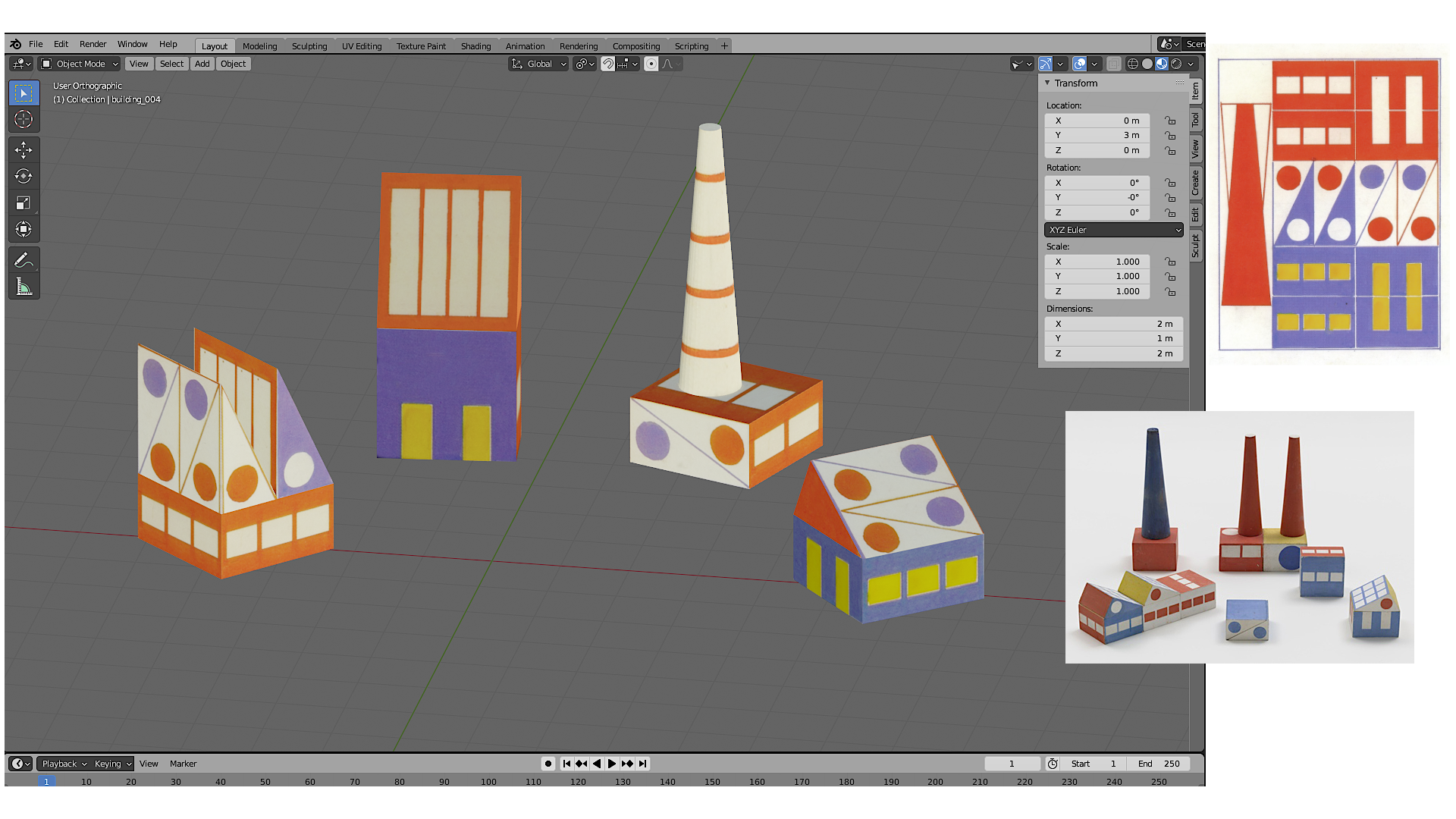
- Explanation of the second exercise: For this exercise we will recreate Ladislav Sutnar’s building block set “Build the Town”, applying the knowledge of textures we’ve just learned.
- Merging all in one texture: Once we’ve finished the exercise we will work on the process of how to merge all different textures in just one per object, in order to be able to export it to game engines.
Day 4 (Saturday 17 of July, 10 a.m to 4 p.m. - lunch break 12:30 to 13:30)
- Principles of modeling part B : Tools: extrude, insert faces, bevel. Modifiers: subdivision, boolean, mirror, solidify, lattice, arrays.
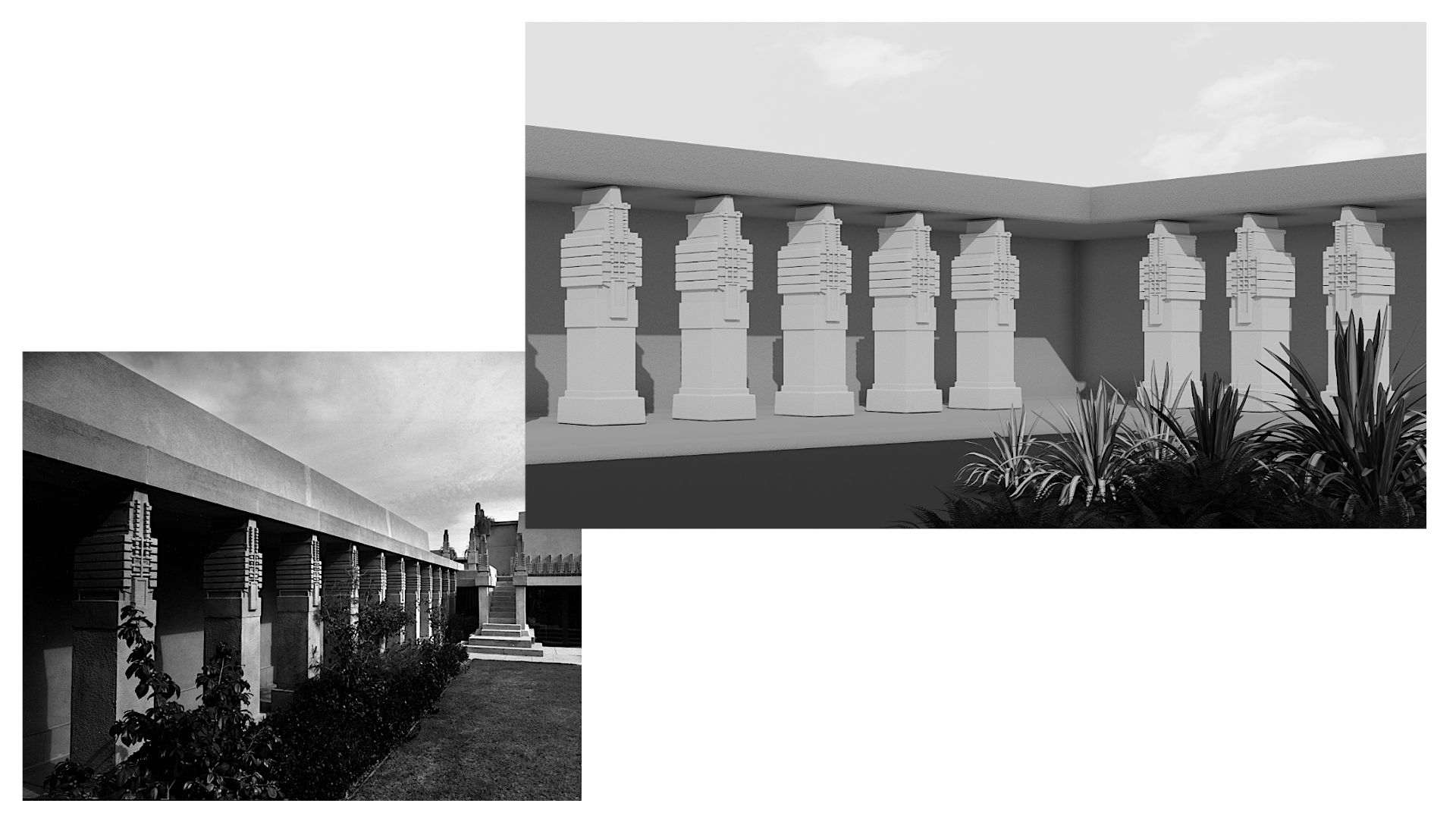
- Explanation of the third exercise: As an inspiration to practice all the tools that we have learned, we will use the columns in the central courtyard of the Hollyhock House designed by Frank Lloyd Wright.
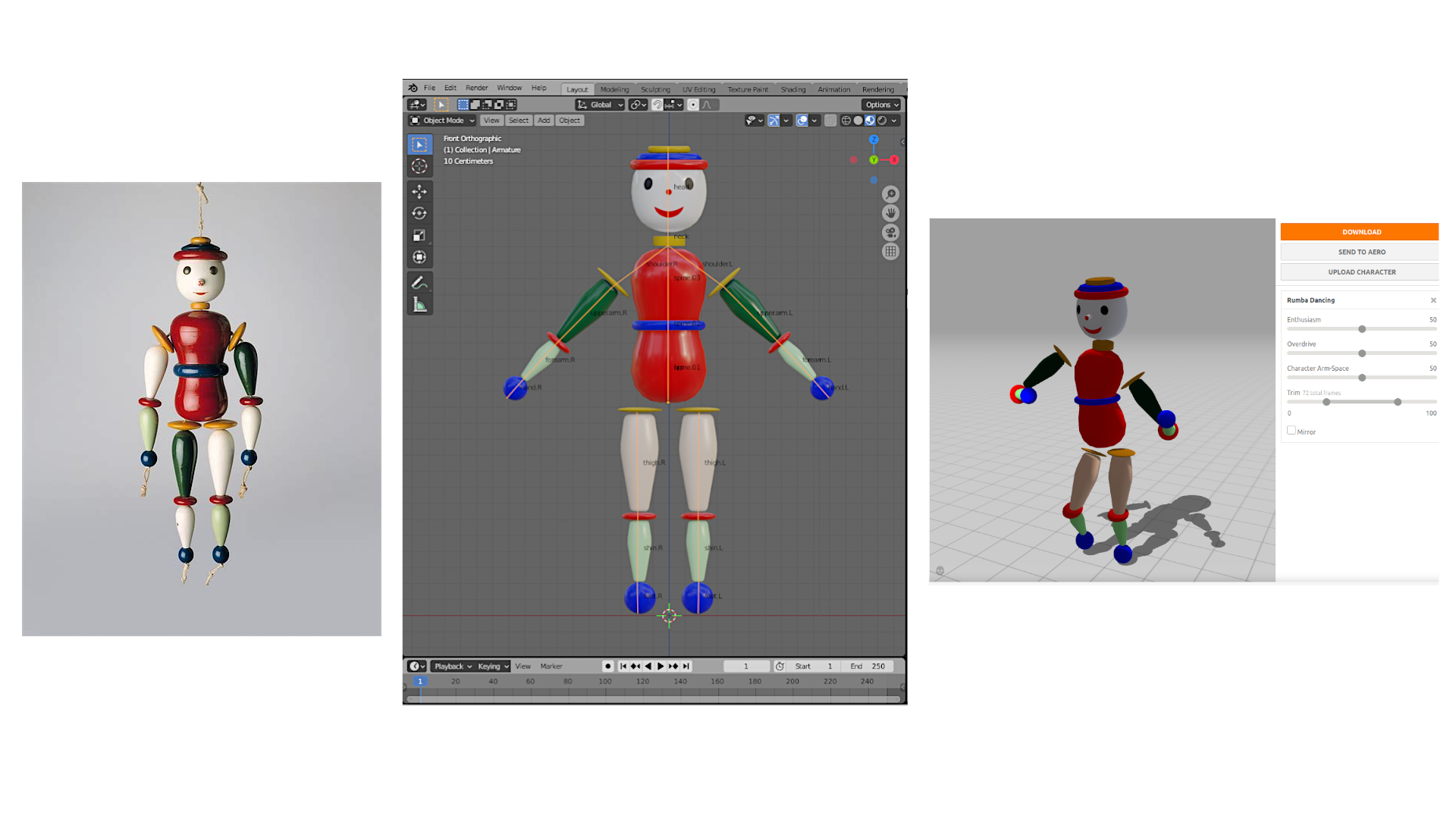
- Explanation of the fourth exercise: For the last exercise you will recreate Oskar Schlemmer’s Gliederpuppe from 1922/23. After that we will create a basic rig, and then upload the fbx to mixamo and imported again with an animation to Blender.